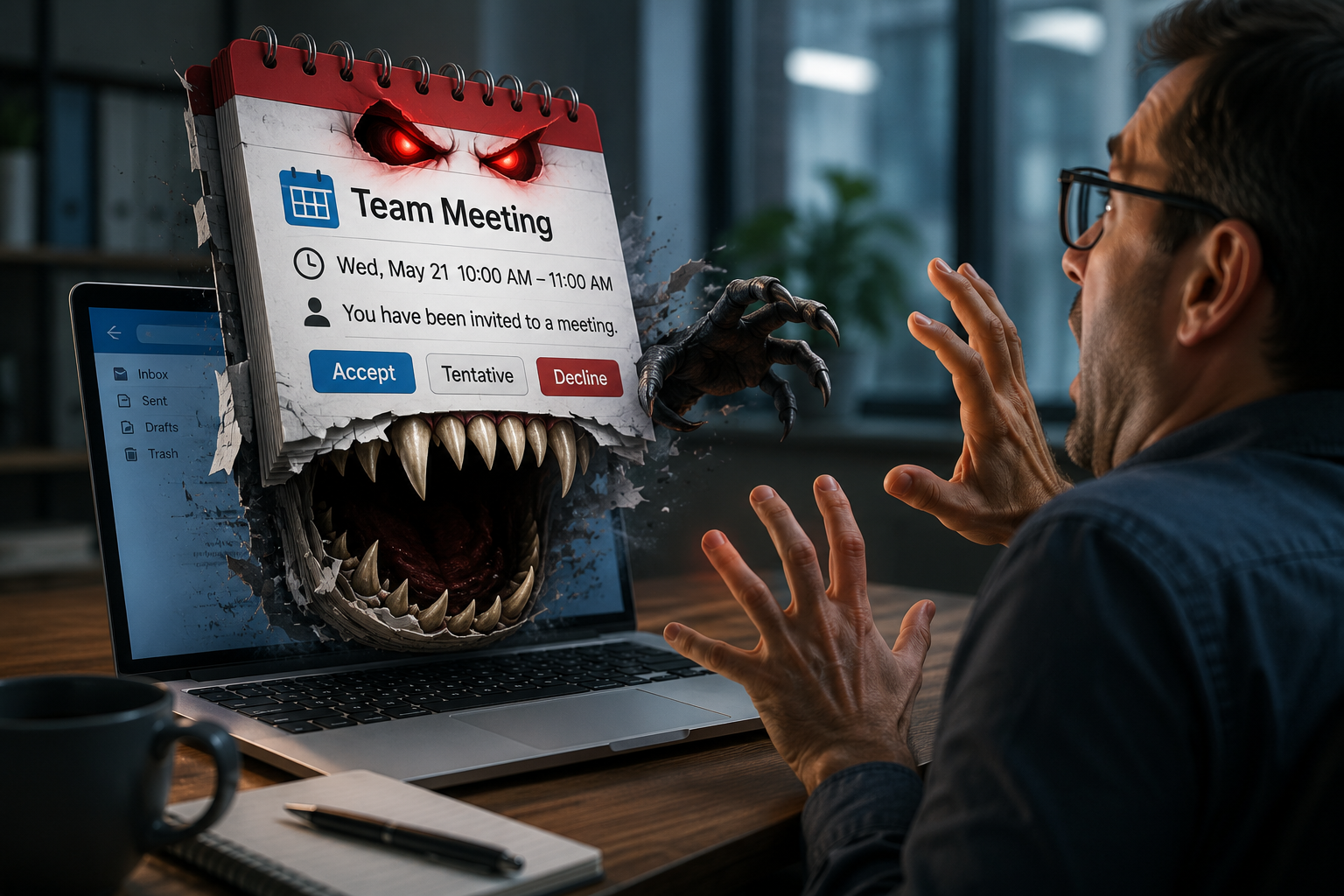
Attackers are abusing calendar invites to slip past email defences
Summary: Attackers are abusing calendar invites and fake Teams/Meet/Zoom notifications to slip past email defences and push users into joining a meeting or authorising a malicious OAuth app. We’ve reproduced these techniques in our Managed Phishing Simulation Service so teams can practice the post-click moment. Recent research from leading Security Vendors shows this vector accelerating.
Why calendar invites?
Traditional phish leans on dodgy emails. Calendar attacks hijack trust in the meeting workflow: “You’re invited”, “Join now”, “Confirm attendance”. Invites often arrive as .ics files or text/calendar content that some filters treat differently - so the lure can land right on the calendar with fewer friction points and a built-in sense of legitimacy. Multiple researchers have flagged a recent surge in malicious .ics invites doing exactly this.
Two common attack patterns we’re seeing
1) The OAuth-consent trap via fake Teams/meeting invites
The email looks like a normal meeting notification. “Join meeting” opens a page that asks the user to authorise an OAuth app. If approved, the attacker gains persistent access to Microsoft 365 data (read/send mail, files, contacts) - often surviving a password change. Abnormal recently documented campaigns using fake Microsoft Teams invites to drive this flow; mainstream coverage has followed.
Adversaries frequently host on legitimate cloud infrastructure (e.g. Azure Web Apps) or use senders that pass SPF/DKIM/DMARC, so the invite looks clean at a glance. Microsoft has also warned about Teams-themed abuse and identity-centric tricks.
2) The .ics calendar phish
A crafted calendar invite (or an imported .ics) plants an event with a malicious link in the Location/Description. Because it’s an event, not a typical email, many users assume it’s trusted - especially when calendars auto-add invites by default. Several advisories now recommend adjusting auto-add behaviour to reduce exposure.
What “good” looks like (controls that actually dent risk)
Identity & OAuth (Microsoft Entra / Google Workspace)
Lock down app consent. Enable Admin Consent Workflow, require Verified Publisher, and restrict high-value Graph scopes; review and revoke stale consents regularly.
Use Conditional Access so risky consent attempts require compliant devices or higher assurance. (Microsoft guidance reinforces this approach.) Microsoft Learn
Email, Calendar & Collaboration
Treat text/calendar and .ics attachments as untrusted.
In Google Workspace, set “Add invitations to my calendar” to require RSVP rather than auto-add; admins can set organisation-wide defaults.
In Microsoft 365/Outlook, reduce or disable automatic calendar processing at scale where practical.
For Teams, follow Microsoft’s hardening and monitor external invites/app permissions.
Web & endpoint
Add a device-native secure web gateway (SWG) and DNS filtering to block look-alike domains and malicious meeting links at click-time (on and off network). Fly-direct/on-device architectures help here by avoiding backhaul and keeping protection consistent. Dope Security
Use password managers: if auto-fill doesn’t appear on the exact domain, stop and confirm the URL.
People & process
Train for the landing page (OAuth consent + login), not just the inbox.
Measure: Click-to-Credential (C2C), Consent-Grant rate, and User Behaviours - not just “click rate”.
Playbooks: If a user submits credentials or approves a suspect app, force password reset, revoke sessions & OAuth consents, audit mailbox rules, and sweep the endpoint.
What’s new in the wild
Abnormal Security analysed campaigns where fake Teams invites pushed users to grant a malicious OAuth app -bypassing MFA and establishing long-lived access. Abnormal AI
Multiple Email Security vendors are reporting a surge in .ics-based attacks that get events onto calendars and lure a click at the scheduled time.
OAuth token abuse keeps evolving (e.g. consent baits on legitimate Microsoft domains), so consent controls and fast revocation matter more than ever.
How Koncise can help
- Managed Phishing Simulation Service - now with calendar-invite scenarios
- Click here to learn more (don't worry, it's safe to click!)
We recreate modern calendar-invite phish end-to-end, incl fake Teams/Meet invites, and .ics-based lures - so users practice the post-click moment. We track Click-to-Credential, Consent-Grant, and a Full User Behaviour Analysis Report to show real risk movement.
Human-centric security programmeSpear Phish simulations + tailored user awareness, backed by risk-based DLP, behavioural-AI email protection, and a device-native secure web gateway to block malicious meeting links at the moment of click.
Behavioural-AI email security (layered with your SEG)API-based behavioural detection for BEC and credential phish with Abnormal, plus KnowBe4 Cloud Email Security (Egress, now a KnowBe4 company) for adaptive, human-risk-aware protection tightly coupled with awareness operations.
Web security (everywhere your users work)A fly-direct, on-device SWG that inspects traffic locally (no data-centre backhaul) for consistent on/off-network protection and low latency. dope.security
Identity detections and rapid response
Sophos ITDR + MDR: Identity-centric detections with built-in response actions (e.g. force password reset, lock accounts) and XDR/MDR integration. Sophos Identity Threat Detection Response
N-able MDR (Adlumin): 24×7 SOC with strong identity telemetry and UEBA; now part of N-able’s platform. N-Able 24/7 Managed Detection Response Service
Password security your users will actually useRoll-out and governance of N-able Passportal for credential hygiene automation, audited access, and seamless (domain-aware) auto-fill to reduce login risk.
Quick checklist for your IT team
Turn on Admin Consent Workflow; require Verified Publisher and restrict risky scopes. Microsoft Learn
Reduce/disable auto-add of calendar invites (Google Workspace/Outlook) to cut calendar noise and lure surface. Google Help
Block look-alike domains at DNS/SWG; monitor for newly registered meeting-brand domains. Dope Security
Add a fast revoke-consent & session-kill play to your incident runbook.
Want to learn more?Get in touch via our contact page.
Free managed phishing assessment
Benchmark your post-click risk. We’ll run a mini calendar-invite simulation and help you raise awareness and gain an understanding of what the base line level of risk in your business looks like.
Further reading
- Abnormal Security - Fake Microsoft Teams Meeting Invite Used to Deploy Malicious OAuth App (Nov 13, 2025)
- Sublime Security - ICS phishing: Stopping a surge of malicious calendar invites (Nov 3, 2025)
- Rapid7 - When Your Calendar Becomes the Compromise (Nov 6, 2025)
- Microsoft - Entra app consent controls & admin consent workflow
- Google - Manage “Add invitations to my calendar” defaults (user & admin)